A document file folder is one of those things we all use, but rarely think about. It can be a paper folder in an office cabinet or a digital folder on your computer or phone. Its main job is very simple. It keeps related documents together so you can find them later without stress. In daily life, a document file folder helps with school work, office tasks, personal records, and even small business files. When folders are used the right way, they save time, reduce confusion, and protect important information.
Many people struggle because they mix files, use random names, or never clean old folders. This guide explains everything in a very easy way. You will learn what a document file folder really is, how physical and digital folders work, and how to organize them in a clean and safe way.
What a document file folder really means
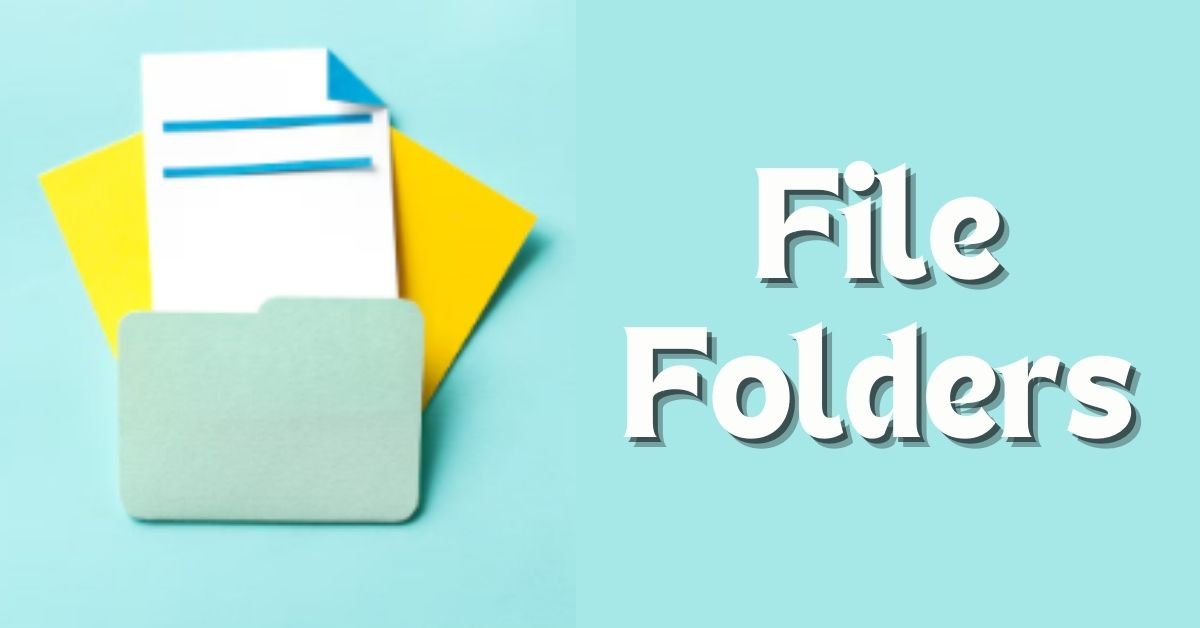
A document file folder is a container for documents. In the physical world, it is usually made of paper or plastic and holds printed pages. In the digital world, it is a virtual space on a device that holds files like PDFs, Word documents, images, or scans. The idea is the same in both cases. One folder equals one group of related documents.
For example, you might have a folder for bills, another for school certificates, and another for office projects. Instead of keeping everything in one big pile, the folder creates order. This makes your work faster and your mind calmer because you know where things are.
Will You Check This Article: Index file explained in simple words with real examples
Physical document file folder basics
Physical folders are still very common in homes, schools, hospitals, and offices. They are used for contracts, reports, medical records, and legal papers. A physical document file folder usually has a label on top or on the side. This label tells you what is inside without opening it.
These folders are often stored inside drawers, shelves, or filing cabinets. Some people also use box files or hanging folders. The goal is always the same. Papers should stay flat, safe, and easy to pull out when needed. Physical folders are very useful for original documents that must be kept in paper form.
Digital document file folder basics
A digital document file folder lives on your computer, mobile phone, or cloud storage. It looks like a simple icon, but inside it can hold many files. Digital folders are used for emails, scanned documents, photos, and work files. They help keep your device clean and your files easy to search.
For example, instead of saving everything on the desktop, you can create folders like Work, Personal, School, or Finance. Inside each one, you can add more folders for years, months, or projects. This way, even thousands of files stay easy to manage.
Physical vs digital folders in daily life
Both physical and digital folders have their own place. Physical folders are useful when a document must be signed, stamped, or shown in original form. Digital folders are better for daily use, sharing, backups, and saving space. Many people now use a mix of both.
For example, you may keep your original certificates in a physical document file folder at home, while scanned copies are saved in a digital folder online. This hybrid method gives both safety and convenience.
Why proper folder organization matters
Good folder organization is not just about looking neat. It saves real time and avoids problems. When folders are messy, people waste hours searching for files. Important documents may get lost or deleted by mistake. In offices, poor organization can even cause delays or legal trouble.
A clear folder system also helps when you share files with others. If folders are named well, anyone can understand them. This is very helpful for teamwork, family sharing, or handing over work to someone else.
How to structure a document file folder the easy way
The best folder structure is simple and logical. Start with broad folders and then move to smaller ones. For example, a main folder called Documents can have subfolders like Work, Personal, and Education. Inside Work, you can have folders for each project or client.
Avoid creating too many folders at one level. This makes things confusing. Also avoid putting everything into one folder. Balance is the key. Each folder should have a clear purpose that you can explain in one short sentence.
Naming folders so they make sense
Folder names should be clear and boring. This is a good thing. A good name tells you what is inside without guessing. For example, “Tax Records 2024” is much better than “Important Stuff.” Use simple words and keep the same style everywhere.
If you use dates, use one format only. Many people prefer year first, then month. This keeps folders in the right order automatically. Avoid special symbols and very long names. Short and clear names work best.
Organizing files inside the folder
A folder is only useful if the files inside are also organized. Try to keep related files together. Do not mix personal photos with office reports in the same place. If a folder becomes too full, create subfolders.
For example, inside a folder called Bills, you can create folders for Electricity, Internet, and Rent. This makes searching very fast. When you open the folder, your eyes immediately go to the right place.
Handling old and unused folders
Over time, folders grow and become heavy. Old projects end, school years finish, and documents lose daily value. It is important to review folders once in a while. Old but important files can be moved to an Archive folder. Files that are no longer needed can be deleted safely.
This cleaning habit keeps your system light and fast. It also reduces stress because you are not looking at clutter every day.
Safety and privacy tips for folders
Folders often contain private information. This can be ID copies, bank records, or personal letters. Physical folders should be kept in a safe place away from moisture and strangers. Digital folders should be protected with strong device passwords.
If you use cloud storage, make sure sharing settings are correct. Do not share folders publicly unless needed. Always double check before sending a folder to someone else.
Using folders for work and teamwork
In offices, a document file folder helps teams work better. When everyone follows the same folder structure and naming rules, files are easy to find. This avoids repeated questions and duplicates work.
A shared folder can be organized by project name, then by task or date. Clear structure helps new team members understand work history quickly. It also makes handover simple when someone leaves or changes roles.
Folders for students and home users
Students can use folders for each subject, semester, or year. This makes exam preparation easier because notes and assignments stay together. Home users can create folders for health records, warranties, travel documents, and family photos.
When folders are planned early, life becomes easier later. You do not need to remember where things are because the system guides you.
Common mistakes people make
One common mistake is saving files everywhere without thinking. Another is using random names that mean nothing after a few months. Some people never delete anything, which creates digital junk. Others delete too much and lose important files.
The solution is simple habits. Always ask where a file belongs before saving it. Take one minute to name it properly. Review folders once or twice a year.
Expert tip for better folder control
A good expert tip is to keep one main folder as your base. Inside it, place everything else in an organized way. This avoids files spreading across your device and makes backups easier.
Quick insights that really help
One helpful insight is that simple systems last longer than complex ones. Another is that folder names should be written for your future self, not just today. A third is that mixing personal and work files often causes confusion, so keep them separate from the start.
How a good folder system saves time
When folders are well organized, you spend less time searching and more time doing real work. This is true for both paper and digital files. You feel more in control, and tasks feel lighter. Over months and years, this small habit creates a big difference.
FAQs
What is the main purpose of a document file folder?
The main purpose of a document file folder is to keep related documents together in one place. This makes storage neat and helps you find files quickly when you need them.
Is a digital folder the same as a physical folder?
The idea is the same, but the form is different. A physical folder holds paper, while a digital folder holds electronic files. Both help with organization and clarity.
How many folders should I create?
You should create only as many folders as needed. Too few causes mess, and too many cause confusion. Each folder should have a clear reason to exist.
How often folders should be cleaned?
It is good to review folders once or twice a year. Move old files to an archive and delete files you no longer need.
Can folders improve teamwork?
Yes, shared folders with clear names and structure make teamwork smoother. Everyone knows where to save and find files, which reduces mistakes.
Conclusion
A document file folder is a simple but powerful tool for keeping life organized. Whether it is paper on a shelf or files on a screen, the idea is the same. Group related documents, name folders clearly, and review them regularly. When folders are handled with care, they save time, protect information, and reduce stress. Learning to use a document file folder the right way is a small skill that brings long term benefits and safer file handling for everyone.
Read More: file